Overview of required installation steps
Screenshot 1 lists the four installation steps that must be completed one after another during setup of the Urban Cloud service. Click the button next to each list item in turn, and perform the required actions on the screen that then opens.
After each step, one more of the four status indicators on the left, initially red, must light up green. Once setup has been completed successfully, four green indicators signal that the cloud has been set up and is working correctly.
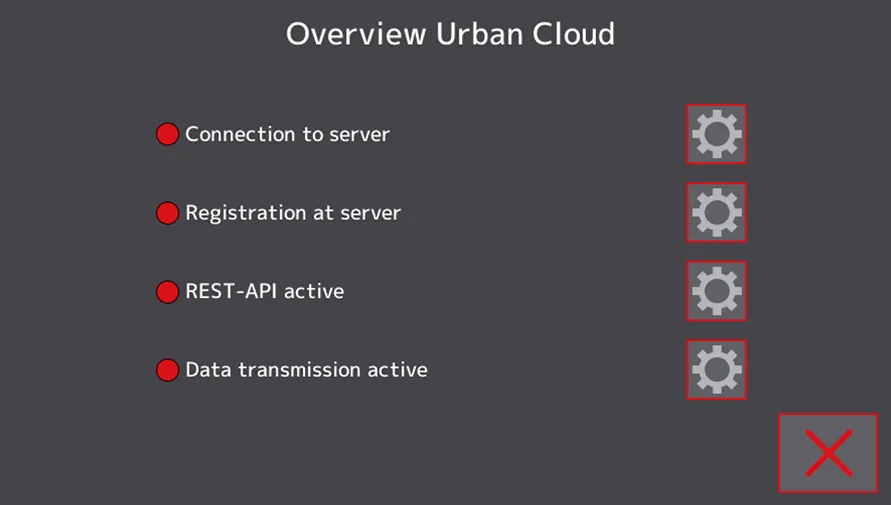
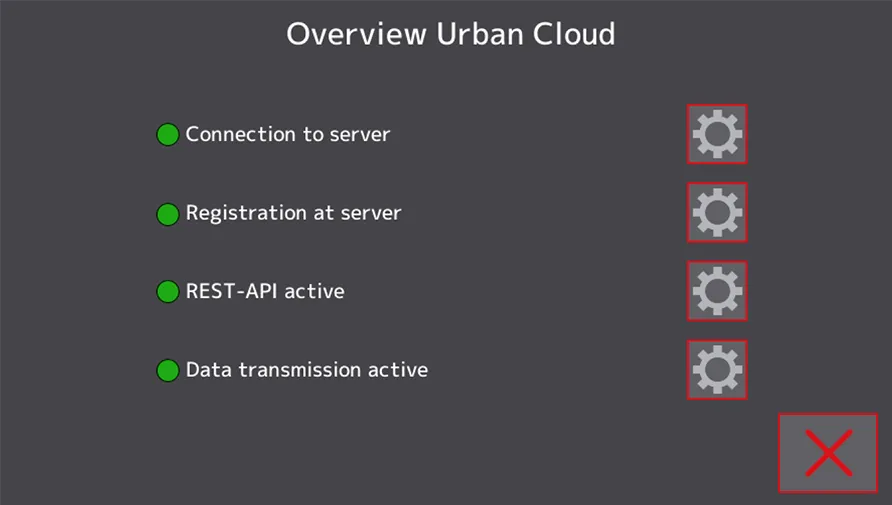
Screenshot 1: Alma Pro, Urban Cloud service installation screen, before and after setup